
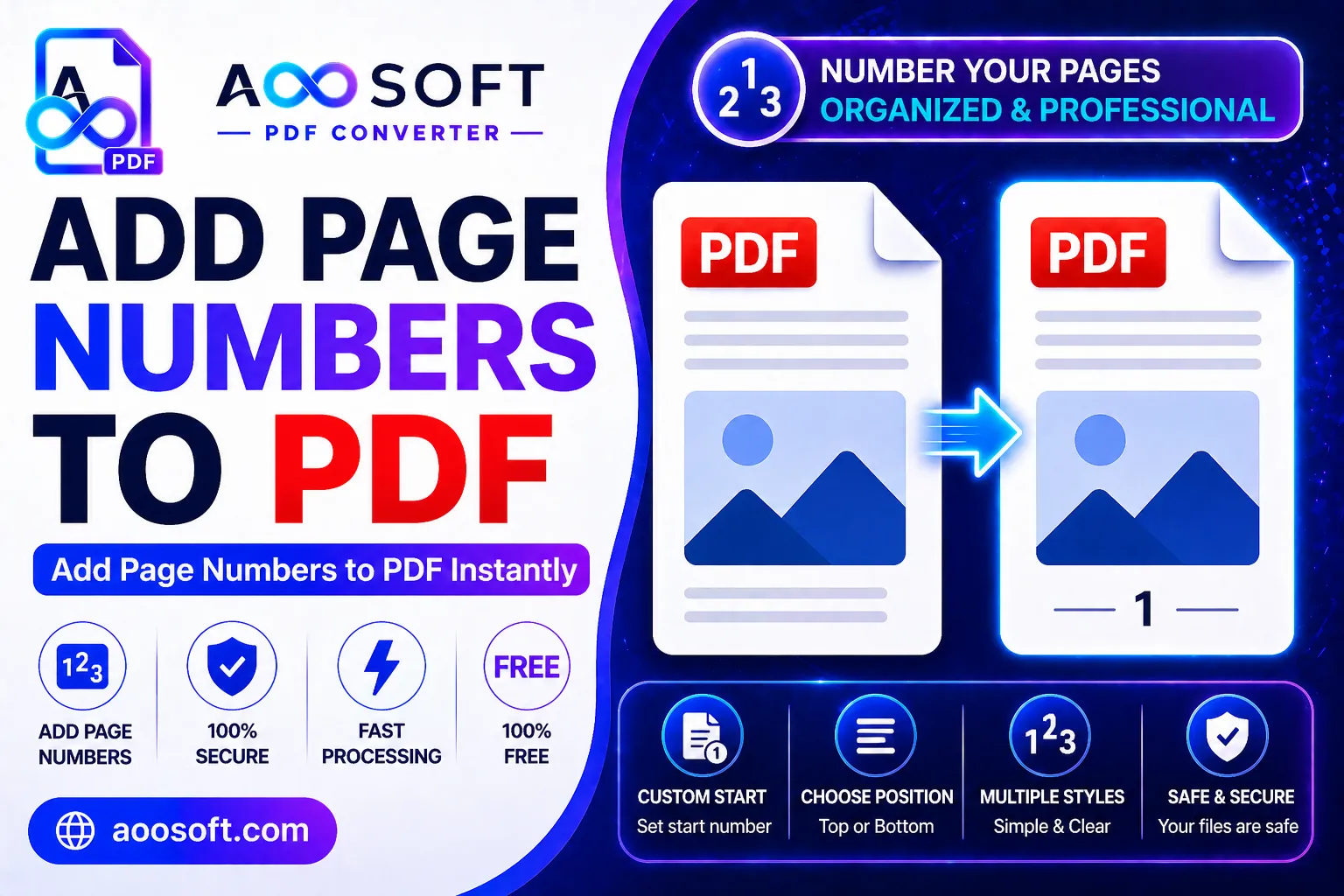
Add Page Numbers to PDF Online Free – Simple & Professional PDF Pagination Tool
Managing large PDF files without proper page numbering can quickly become confusing and unprofessional. Whether you are working on business reports, academic assignments, legal documents, eBooks, or project presentations, page numbers help readers navigate documents more easily and keep everything properly organized.
At AOOSOFT PDF Tools, we provide a fast, secure, and user-friendly solution that allows you to add page numbers to PDF files online for free in just a few clicks.
You don’t need to install software, create an account, or learn complicated editing tools. Simply upload your PDF, customize the page numbering style, and download the updated document instantly.
Why Page Numbers Are Important in PDF Documents
Page numbers are essential for improving document readability and structure. They help users quickly locate sections, reference information, and maintain a professional appearance across all types of files.
Adding page numbers is especially useful for:
- Research papers and assignments
- Business reports and presentations
- Legal contracts and agreements
- eBooks and digital magazines
- Training manuals and guides
- Portfolios and project files
Proper pagination makes documents easier to read, share, print, and manage.
Smart Features for Professional PDF Pagination
At AOOSOFT PDF Tools, our page numbering tool is designed to give users complete flexibility and professional-quality results.
Flexible Page Number Placement
Choose where you want your page numbers to appear:
- Top left
- Top center
- Top right
- Bottom left
- Bottom center
- Bottom right
This allows you to match the style and formatting of your document perfectly.
Skip Cover Pages Easily
Need to keep your title page clean? Our tool lets you:
- Start numbering from any page
- Skip the first page or multiple pages
- Customize the starting number sequence
This is ideal for official reports, books, presentations, and formal documentation.
Match Your Document Design
Maintain a clean and consistent layout by adjusting:
- Font style
- Font size
- Header or footer positioning
- Alignment and spacing
The goal is to make your page numbers look natural and professional within your document.
Why Choose AOOSOFT PDF Page Number Tool?
Many PDF editing tools online are slow, difficult to use, or require expensive subscriptions. Our platform focuses on simplicity, speed, privacy, and high-quality output.
Key Features
📄 Add page numbers to PDF online free
⚡ Fast cloud-based processing
🔒 Secure file handling and privacy protection
💻 Works on desktop, tablet, and mobile devices
🌐 Browser-based access with no installation
🆓 Completely free to use
🚫 No sign-up or registration required
📂 Clean and beginner-friendly interface
Whether you are editing a single file or multiple PDFs regularly, our tool helps save time and improve workflow efficiency.
How to Add Page Numbers to PDF Online
Using our PDF page numbering tool is quick and simple.
Follow These Easy Steps
- Visit pdf.aoosoft.com
- Upload your PDF document
- Choose the page number position and style
- Select the starting page number if needed
- Click the “Add Page Numbers” button
- Download your updated PDF instantly
The entire process takes only a few moments and works directly from your browser.
Best PDF Pagination Tool for Students & Professionals
Our online PDF page numbering tool is designed for everyone, including:
- Students organizing academic projects
- Teachers preparing study material
- Businesses creating professional reports
- Legal professionals managing contracts
- Designers formatting portfolios
- Writers publishing eBooks
- Office teams handling official documents
The tool helps users create clean, organized, and easy-to-read PDF files without technical knowledge.
Professional Formatting Tip
For official reports and business documents, placing page numbers at the bottom-right corner is commonly considered the professional standard because the numbering remains visible even after printing, stapling, or binding.
Secure & Reliable PDF Editing Experience
Your privacy and document security are important to us. Files uploaded to AOOSOFT PDF Tools are processed securely to help ensure safe and reliable PDF editing.
We aim to provide:
- Secure uploads and downloads
- Smooth file processing
- Reliable PDF formatting
- Fast online accessibility
Organize Your PDF Files Today
Stop using complicated software or expensive editing platforms. Use AOOSOFT PDF Tools to add page numbers to PDF files online quickly, securely, and completely free.
Create organized, professional, and easy-to-navigate PDF documents in seconds with a simple online solution built for everyone.
