
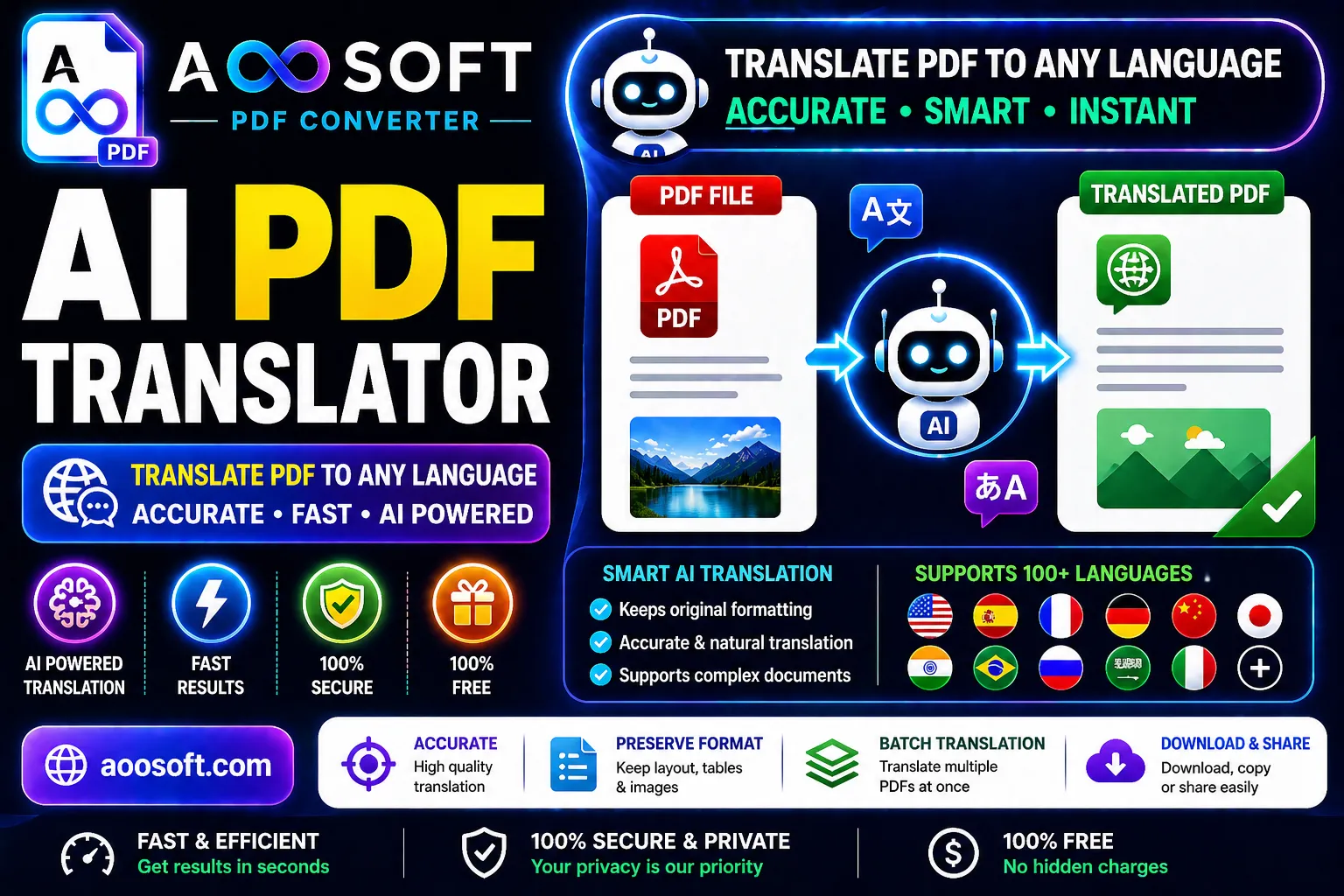
AI PDF Translator Online Free – Translate PDF Documents Instantly
Language should never be a barrier when working with important documents. With AOOSOFT PDF Tools, you can easily translate PDF files online for free using advanced AI technology.
Our AI PDF Translator helps you convert documents into multiple languages quickly and accurately while keeping the original formatting as clean as possible. Whether you need to translate study materials, business reports, ebooks, manuals, or personal documents, the tool makes the process simple and fast.
No software installation or technical knowledge is required. Just upload your PDF, choose a language, and let the AI handle the translation automatically.
Translate PDF Files Online in Seconds
The AI-powered PDF translator is designed to make document translation smooth and effortless. Instead of copying text manually into translation tools, you can directly upload complete PDF files and receive translated content within moments.
This tool is perfect for:
- 🌍 Translating documents into different languages
- 📚 Understanding foreign books and study materials
- 📄 Translating business reports and office documents
- 🧠 Learning from international content
- ✈️ Reading travel and visa documents
- 📑 Converting research papers into your preferred language
- 💼 Working with multilingual clients and projects
Powerful Features of the AI PDF Translator
🌐 Multiple Language Support
Translate PDFs into many popular global languages quickly and easily.
🤖 AI-Powered Smart Translation
Advanced AI technology helps provide accurate and natural translations.
📄 Maintains Document Formatting
The tool keeps the structure, layout, and formatting of your PDF as organized as possible.
⚡ Fast Processing Speed
Upload and translate large PDF files within seconds.
🔒 Safe and Secure
Your files are processed securely with privacy protection.
💻 Works on All Devices
Use the translator on mobile phones, tablets, laptops, and desktop computers.
☁️ Online Tool – No Installation Needed
Everything works directly from your browser.
🆓 Completely Free to Use
Translate PDF documents online without paying subscription fees.
How to Translate PDF Online
Using the AI PDF translator is simple and beginner-friendly.
Step 1 – Visit the Website
Open pdf.aoosoft.com in your browser.
Step 2 – Upload Your PDF File
Choose the PDF document you want to translate.
Step 3 – Select the Target Language
Pick the language into which you want the document translated.
Step 4 – Click “Translate”
The AI automatically starts processing and translating your document.
Step 5 – Download the Translated PDF
Save the translated file directly to your device.
Why Use an AI PDF Translator?
Traditional translation methods can take a lot of time, especially with large documents. AI-powered PDF translation tools make the process much faster and more convenient.
Benefits include:
- Saves time and effort
- Translates complete documents instantly
- Reduces manual copy-paste work
- Helps understand foreign-language files
- Useful for education, travel, and business
- Improves productivity for professionals and students
Best Free AI PDF Translator Tool
Our AI PDF Translator is suitable for:
- Students
- Teachers
- Researchers
- Travelers
- Business professionals
- Freelancers
- Office workers
- International companies
Whether you need to translate educational content, official files, contracts, reports, or ebooks, this tool helps you access information from around the world more easily.
Start Translating PDFs Today
Use AOOSOFT AI PDF Translator to translate your PDF files online quickly, accurately, and for free.
Upload your document, choose your language, and get instant AI-powered PDF translations in just a few clicks.
Break language barriers and access global information more easily with smart AI PDF translation technology.
